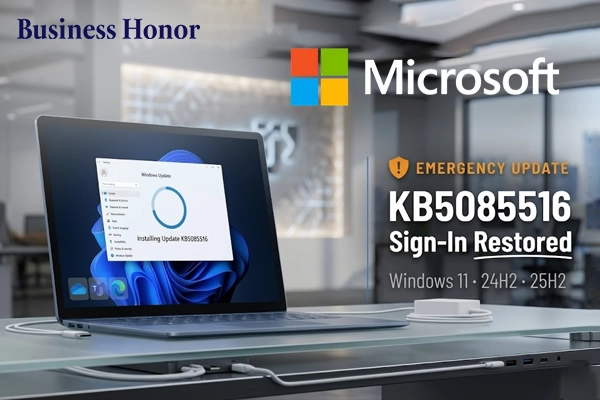
Microsoft’s new update helps in fixing account login errors and restoring access to apps and services.
Microsoft released a Windows 11 update in order to address issues caused by its March 2026 update. The update caused problems in Microsoft account sign-ins and it also affected several important apps and services. In order to resolve this issue, Microsoft released an optional update called KB5085516 (Build 26200.8039), which fixes login problems and restores access to affected applications.
After the March update, users experienced difficulties while attempting to sign in to Microsoft account services. This issue is referred to as the Microsoft account login error showing no internet connection on Windows 11. In some cases, users experienced a misleading “no Internet connection” message while attempting to access Microsoft account services despite having an active connection. The problem affected some of the main applications like Microsoft Teams, Microsoft Outlook, and OneDrive. Users also reported difficulties in accessing applications like Microsoft Word, Microsoft Excel, Microsoft PowerPoint, Copilot, and Microsoft Edge.
Microsoft has confirmed that the problem is related to authentication issues, which mainly affected the online features of the applications. There were also reports of failure in installing the update, specifically KB5079473, which is commonly known as the Windows 11 update KB5079473 installation failed error fix problem. The emergency patch enables proper sign-in functionality and access to services. It is supported for Windows 11 versions 24H2 and 25H2. However, it is manually installed through the Optional updates section, making it part of the how to manually install KB5085516 Windows 11 optional update fix. Business Honor notes that repeated Windows 11 update problems may prompt users to consider login problems as part of the digital work process.

































.webp)

.webp)




.webp)